
Use Refund credits when you return cash to the customer instead of netting another invoice: Tafsee Books posts an outbound bank or cash movement tied to the credit note and its originating invoice so VAT and audit trails stay complete.
This is different from Apply credits to invoice—you are not closing AR on a bill, you are disbursing funds. Treasury approval or dual-authorisation limits often apply, and partial refunds spread across credited lines in proportion to the original tax bases.
When to refund instead of apply
- The customer expects cash back after a return or allowance and no open invoice is available to net.
- Credit remains on the note after partial applications and you want to clear the balance with a payout.
- Your policy requires a treasury disbursement rather than leaving unused credit on account indefinitely.
How to refund credits
The screenshot below shows the refund form: pick the outbound account, amount, and reference. After you save, the credit note balance drops and the payout appears in activity history and linked journal detail.
- Open Sales → Credit Notes and select the credit note that still has an unused balance.
- Confirm the customer, reference, and remaining credit amount match what treasury approved to return.
- Choose Refund credits (or the refund action on the credit note detail screen).
- Select the bank or cash account the refund will leave from—the Paid through path your organisation uses for outbound customer payments.
- Enter the refund amount (full remaining balance or a partial refund if policy allows).
- Add a payment reference or memo so bank reconciliation can match the transfer.
- Save the refund so the credit note balance decreases and the bank/cash ledger reflects the outflow.
After you refund
- Match the payment reference on your bank statement during monthly reconciliation.
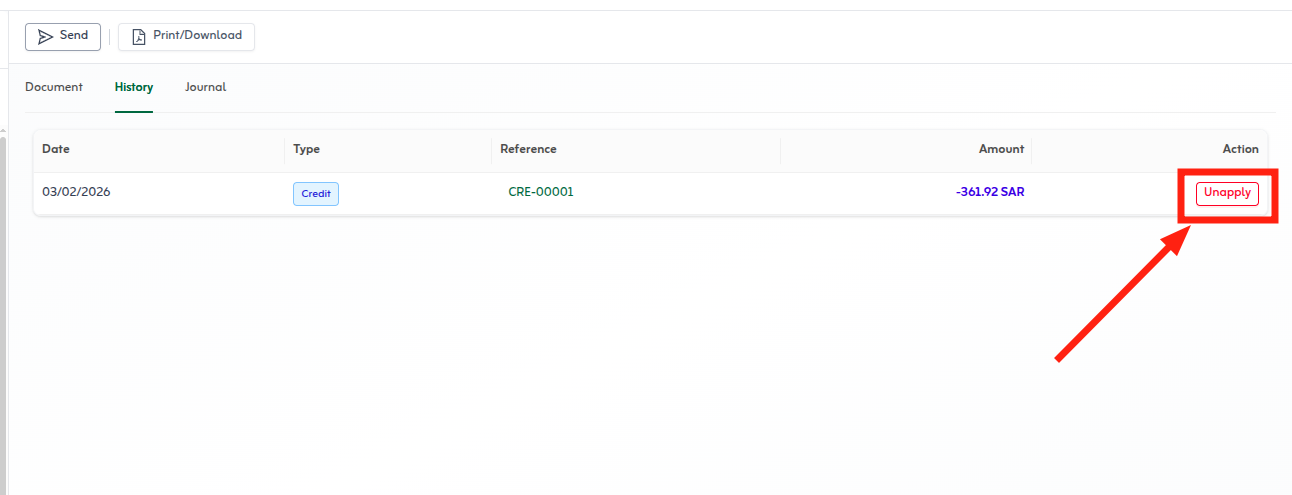
- Review the credit note History tab for refund amount, date, and account.
- To correct mistakes, reverse the refund through your approved workflow—do not delete ZATCA-submitted notes without controls.
Quick tips
- Use refund when the customer wants cash back, not netting against an open invoice.
- Pick the correct bank or cash account so the payout reconciles cleanly.
- Add the transfer reference in the description for bank matching.