
تقارير الأصناف تربط بين الكتالوج والأرقام الفعلية: وتيرة البيع، هامش الربح، قيمة المخزون، والحركة خلال فترة—حتى تعمل التجارة والمالية والمستودع من نفس الصورة دون نسخ جداول يدوية من عدة شاشات.
استخدم الفلاتر (الفترة، التصنيف، الصنف، الفرع عند توفره) قبل التصدير إلى CSV أو PDF لمشاركة ملخص مع الإدارة أو المراجعين الخارجيين.
ما الذي تتابعه عادة؟
- الأصناف الأكثر مبيعاً مقابل الراكدة—لتحديد ما يعاد طلبه أو ما يُخفّض مخزونه.
- هامش الربح حسب الصنف بعد خصم تكلفة البيع التقريبية، مع أخذ أي تسويات مخزون في الاعتبار.
- كمية وحالة المخزون عند تفعيل التتبع، ومقارنة مع تقارير الحركة عند الاشتباه بفروق بين المستودع والدفتر.
تقارير الأصناف في التطبيق
من قسم التقارير أو مسار الأصناف، اختر تقريراً يركّز على الأصناف واضبط نطاق التاريخ والفلاتر الإضافية. تعرض الشاشة النتائج في جدول قابل للفرز أو للتصفّح حسب إصدار المنتج؛ استخدم التصدير عندما تحتاج نسخة ثابتة أو مرفقاً بريدياً.
احفظ الضبط المتكرر (إن وُجد) أو وثّق الفلاتر التي يستخدمها فريقك شهرياً حتى تبقى المقارنة بين الأشهر متسقة. المثال التوضيحي أدناه يعكس واجهة عرض تقارير مرتبطة بالأصناف.
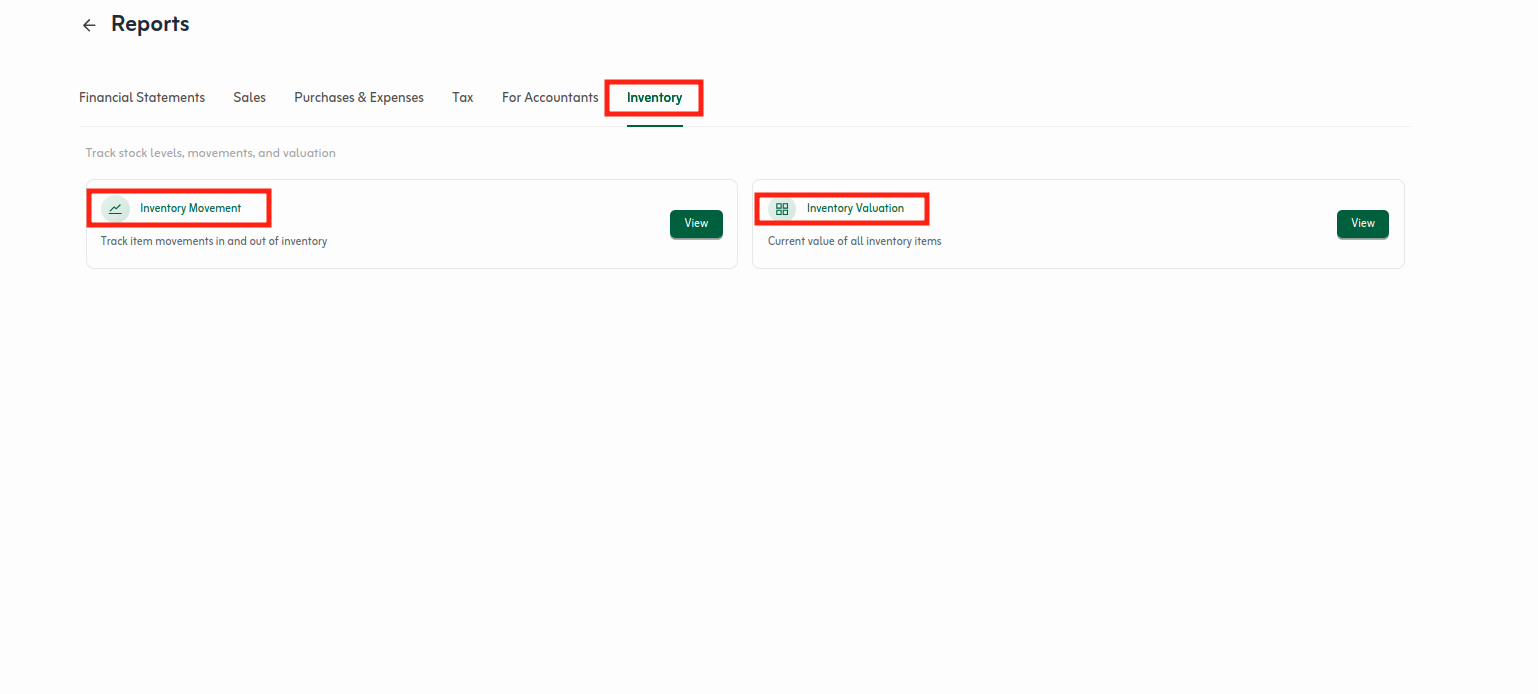
قارن نتائج التقرير مع الفترة السابقة بنفس الفلاتر لاكتشاف تغيّر المبيعات أو المخزون. إن ظهرت فروق عن الجرد، ارجع إلى تسويات المخزون أو حركة الفواتير قبل إعادة تصدير الأرقام.
شارك التصدير مع الإدارة أو المراجعين عند الحاجة، واحتفظ بنسخة من الفلاتر المستخدمة حتى يفهم الجميع نطاق التقرير. تقارير الأصناف تكمّل لوحة التحكم ولا تستبدل تقارير الضريبة أو الأرباح والخسائر الكاملة.
نصائح سريعة
- ثبّت نفس نطاق التاريخ شهرياً لمقارنة الأصناف الأكثر مبيعاً بشكل متسق.
- راجع هامش الصنف مع تكلفة البيع بعد أي تسوية مخزون كبيرة.
- بعد الأصناف، انتقل إلى دليل تصدير البيانات إذا احتجت ملفات خارج النظام.