
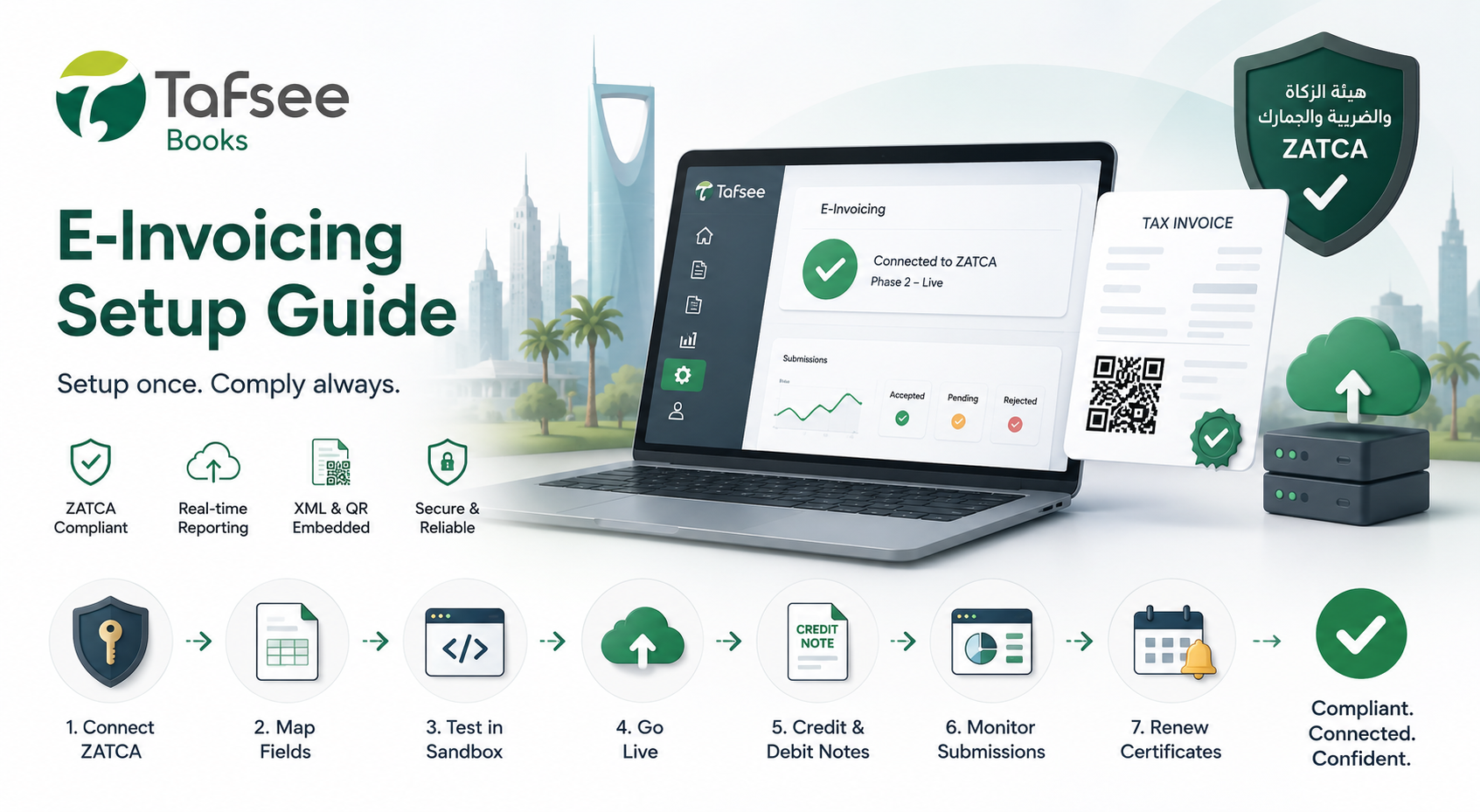
Electronic invoicing is no longer optional for Saudi businesses. ZATCA Phase 2 requires real-time invoice reporting and clearance, making proper software configuration essential.
Before You Start: ZATCA Readiness
Confirm your business registration, TIN, and compliance basics first. Use our ZATCA Compliance Checklist for Saudi Businesses to validate prerequisites before enabling live submissions.
Step-by-Step E-Invoicing Setup in Tafsee Books
- Connect ZATCA credentialsNavigate to Settings → E-Invoicing in Tafsee Books and enter your ZATCA credentials and certificate details. This one-time setup links your account to the ZATCA platform.
- Map invoice fieldsMap your existing invoice templates to the ZATCA-required XML schema fields. Tafsee Books provides a guided mapping wizard that auto-detects most fields and lets you review before saving.
- Test in sandboxRun a test invoice through the sandbox environment before enabling live submission. This ensures field mapping, QR code generation, and XML structure are correct without risking real data.
- Enable live modeOnce testing passes, enable live mode. Every invoice you create will automatically generate XML, embed a QR code, and follow sequential numbering rules.
- Configure credit and debit notesTafsee Books automatically links credit notes and debit notes to the original invoice and generates the correct XML reference.
- Monitor submissionsUse your submission dashboard to track accepted, pending, and rejected invoices. Clear error messages help you fix and resubmit quickly.
- Renew certificates on timeTafsee Books sends renewal reminders 30 days before certificate expiry to avoid unexpected submission failures.
What to Verify After Go-Live
- QR codes render correctly on every invoice
- Sequential invoice numbering has no gaps
- XML output matches ZATCA schema requirements
- Rejected invoices are reviewed and corrected within the same tax period